
 >
usage
>
using veadotube
>
nodes
>
Input
>
usage
>
using veadotube
>
nodes
>
Input
Input nodes
nodes for capturing data from input devices like mice, keyboards, controllers, etc.
using some of the nodes below requires permission from your operating system:
- Windows: these should all work out of the box. keyboard detection can fail when OBS or an application of higher privilege is focused – running veado as adminstrator can help circumvent this.
- Linux: you might get a prompt for running a script with root privileges – said script fetches raw keyboard and mouse input. this shouldn’t happen if your user is in the
inputgroup, or if for some reason you’re running veado as root. - macOS: the program should prompt you for microphone access and input monitoring as needed.
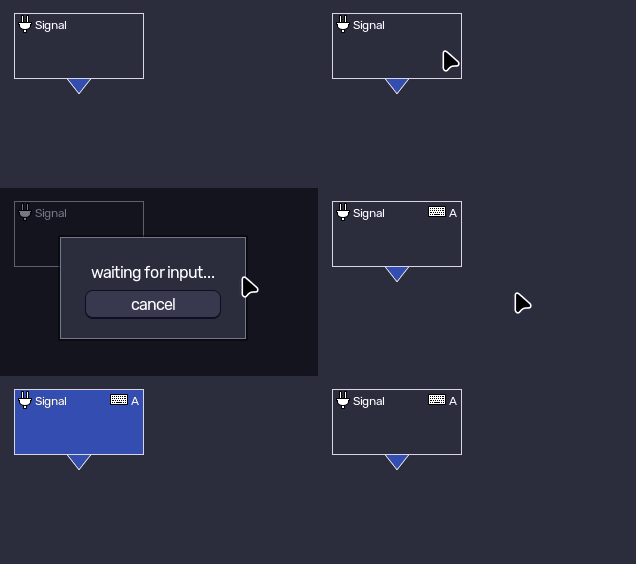
Signal input.signal
fetches an input by capturing a hotkey from the user.
this node relays boolean values from other Input nodes (such as Mouse, Keyboard, etc) and can be used as a simpler shortcut to these nodes.
veadotube mini’s push-to-talk system uses this node behind the scenes!
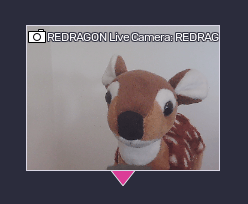
Camera input.camera
provides video data from a list of available video inputs.
you can use this node with other nodes in the Bitmap category.
since the camera feed is unique for all nodes, selecting the resolution in one node will change for all Camera nodes.

Cursor input.cursor
provides the cursor position in the system across the screen.
in multi-display setups, you can select which display to clamp the cursor to.
under Wayland on Linux, the cursor position is always clamped to the program window bounds.
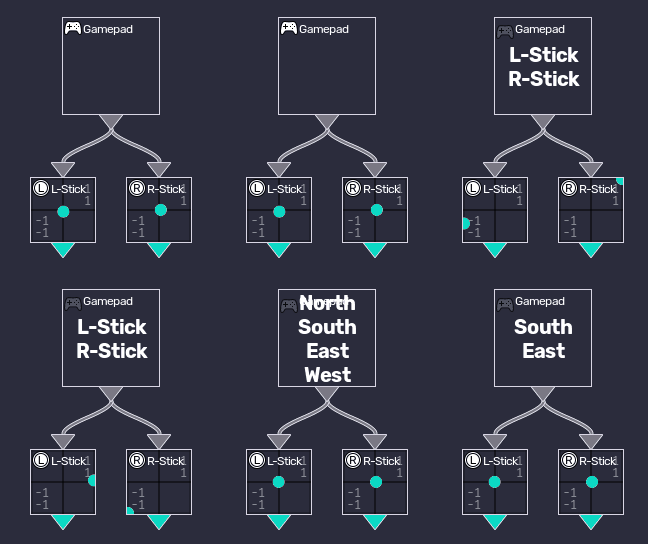
Gamepad input.gamepad
provides data from a list of connected gamepads.
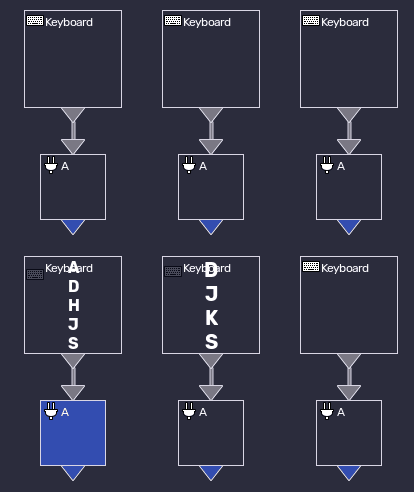
Keyboard input.keyboard
provides which keys are currently pressed on the keyboard.
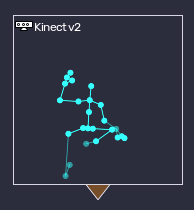
Kinect input.kinect
provides video and tracking data from connected Kinect v1 and v2 devices.
this is only supported as long as you have installed the corresponding drivers for your Kinect on Windows.
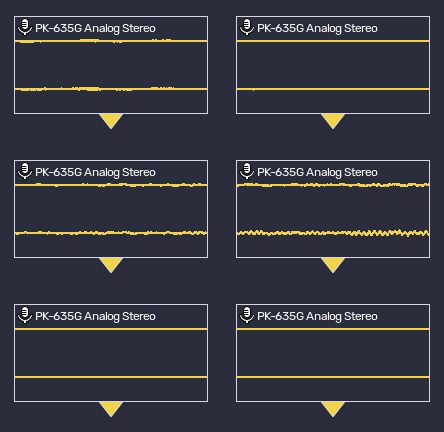
Microphone input.microphone
provides audio data from a list of available audio inputs.
you can use this node with other nodes in the Audio category.
MIDI input.midi
provides data from a list of currently available MIDI devices.
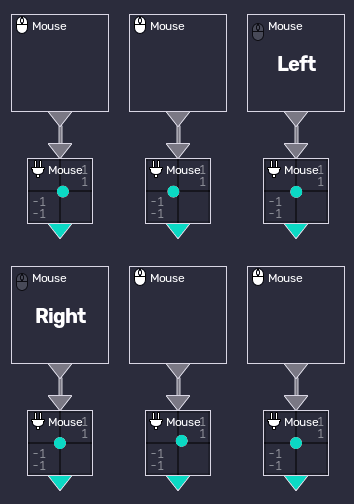
Mouse input.mouse
provides mouse data, including pressed buttons, movement, and scroll wheel.
its Move attribute will always return the relative movement of the mouse, independent of the system cursor. this can be useful if you’re running a game that locks the cursor to the center of the screen.